- speed
- core web vitals
- performance
- web hosting
How Fast Should Your Website Be? TTFB, Core Web Vitals, and Why Speed Matters
A fast website needs a Time to First Byte under 600ms and a Largest Contentful Paint under 2.5 seconds. Here's what each metric means, the hard numbers, and how to get there.
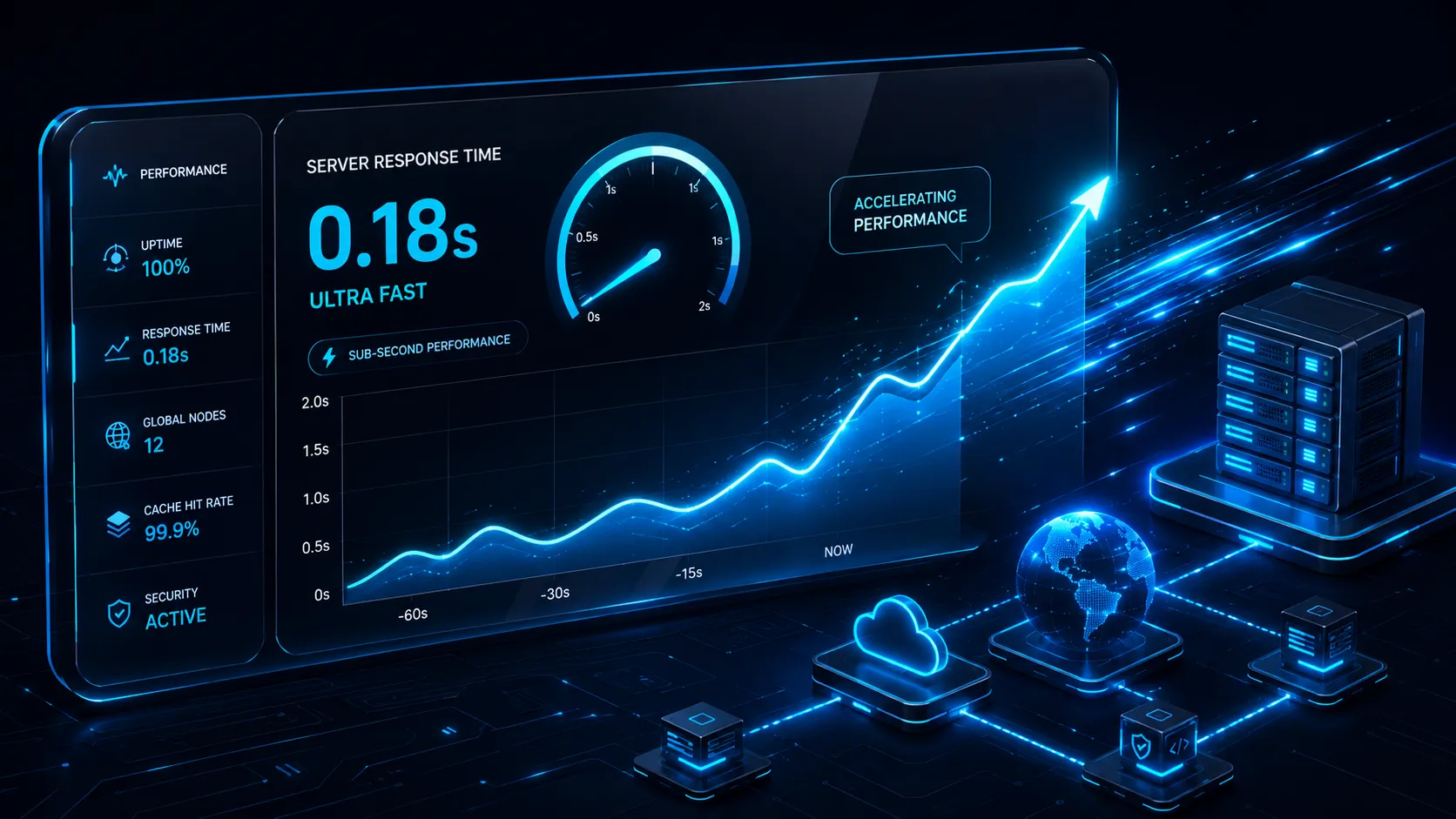
A fast website should load its first byte in under 600 milliseconds (Time to First Byte) and paint its largest visible element in under 2.5 seconds (Largest Contentful Paint). Those two thresholds are what Google’s Core Web Vitals measure, what users perceive as “instant”, and what AI and traditional search engines now reward with higher visibility. Anything slower costs you visitors, conversions, and rankings.
What is TTFB and why does it matter?
TTFB stands for Time to First Byte. It is the time between a browser requesting a page and receiving the first byte of the response. It measures the server plus network round-trip before rendering even begins. A high TTFB delays everything downstream. No amount of front-end optimization fixes a slow server.
- Excellent: under 200ms
- Acceptable: 200 to 600ms
- Poor: over 600ms (Google flags this as needing improvement)
- Dygyx target: ~42ms edge-cached, under 200ms origin
What are Core Web Vitals?
Core Web Vitals are Google’s three standardized signals for measuring real-world user experience. They directly influence search rankings and AI answer selection.
- Largest Contentful Paint (LCP): how fast the main content loads. Target under 2.5 seconds.
- Interaction to Next Paint (INP): how fast the page responds to input. Target under 200ms.
- Cumulative Layout Shift (CLS): how stable the layout is. Target under 0.1.
How does website speed affect conversions?
Speed has a direct, measurable impact on revenue. Users abandon slow sites before they ever see your offer.
- Google/SOasta research: as page load time goes from 1s to 3s, bounce probability jumps 32%. At 5s, it is 90%.
- Deloitte Mobile Insights: a 0.1s improvement in load time lifted retail conversion rates by 8.4%.
- Amazon (industry-cited): a 100ms delay cost an estimated 1% of sales.
For a small store doing $5,000/month, a 1-second improvement can mean $400 to $500 more per month. Purely from speed.
How fast should a WordPress site be?
A well-built WordPress site on good hosting can hit the same Core Web Vitals targets as a static site. But only if the hosting stack is tuned. Out-of-the-box WordPress on cheap shared hosting typically scores 3 to 6 second LCP. Well above the 2.5s threshold.
To get WordPress fast:
- Use NVMe storage, not spinning disks. Database queries are 5 to 10x faster.
- Enable object caching (Redis) and a full-page cache.
- Put it behind a CDN/edge cache so visitors hit a nearby node, not your origin.
- Keep PHP updated. PHP 8.2+ is roughly 20 to 30% faster than PHP 7.4.
Does hosting affect website speed?
Yes. Hosting is the single biggest factor in TTFB, and TTFB sets the floor for every other metric. You cannot optimize your way out of a slow server.
| Hosting factor | Impact on speed |
|---|---|
| Storage type (NVMe vs SSD vs HDD) | Database and file reads: 2 to 10x difference |
| Server location / edge cache | TTFB: 50 to 500ms difference per request |
| Dedicated vs shared resources | Stable vs noisy-neighbor slowdowns under load |
| PHP version + opcache | 20 to 30% execution speed |
How do I test my website speed?
Run these three free checks, in this order:
- PageSpeed Insights (web.dev/measure). Core Web Vitals on real Chrome users.
- GTmetrix or WebPageTest. Waterfall view to see exactly which request is slow.
- Your host’s TTFB. Run
curl -w "%{time_starttransfer}" -o /dev/null -s https://yoursite.com. Anything over 0.6s is a hosting problem, not a design problem.
The bottom line
Speed is not a vanity metric. It is conversion, ranking, and AI-visibility in one number. If your site is slow at the server level, no theme or plugin will save you. Move to Dygyx managed WordPress or shared hosting with NVMe storage and edge caching. Your renewal rate stays locked for life while you are at it. Questions about your current setup? Message me on WhatsApp at @gtongco and I will run a free speed check on your site.